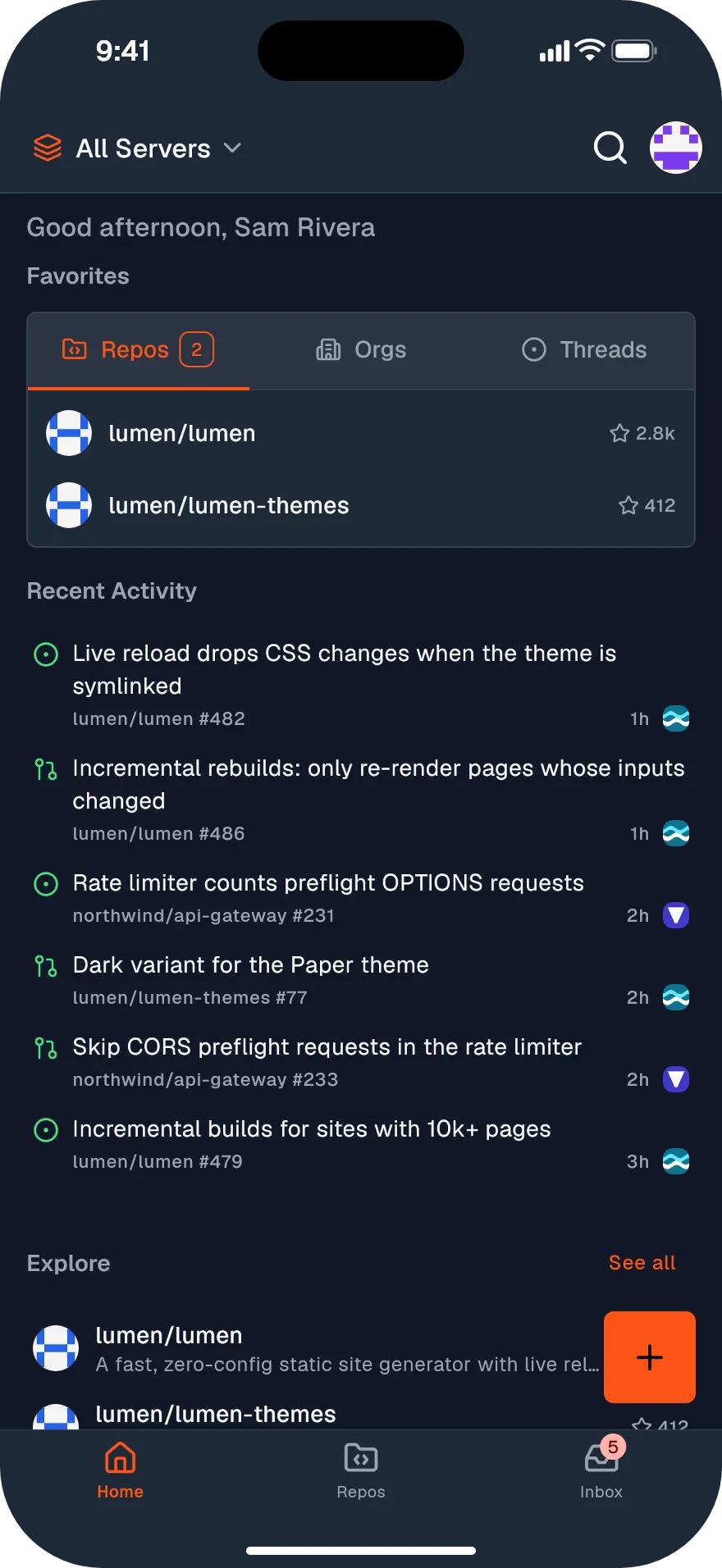
Read code, review pull requests and clear your inbox on every Forgejo and Arbinel server you use. One app for iPhone, iPad and Android.
Free to download. Works with Forgejo 16 or newer and with Arbinel, the Forgejo fork behind CodeFloe. Screens marked Pro showunified mode.
Pro: issues from every accountPro: home across all servers
Forgejo and ArbinelForgejo 16 or newer, and Arbinel built on it
iPhone, iPad and AndroidWide windows open a thread beside its list
No analytics SDK in the appYour sign-in token stays in the keychain or keystore
Public or self-hostedCodeberg, CodeFloe or your own server over HTTPS
Features
Inbox
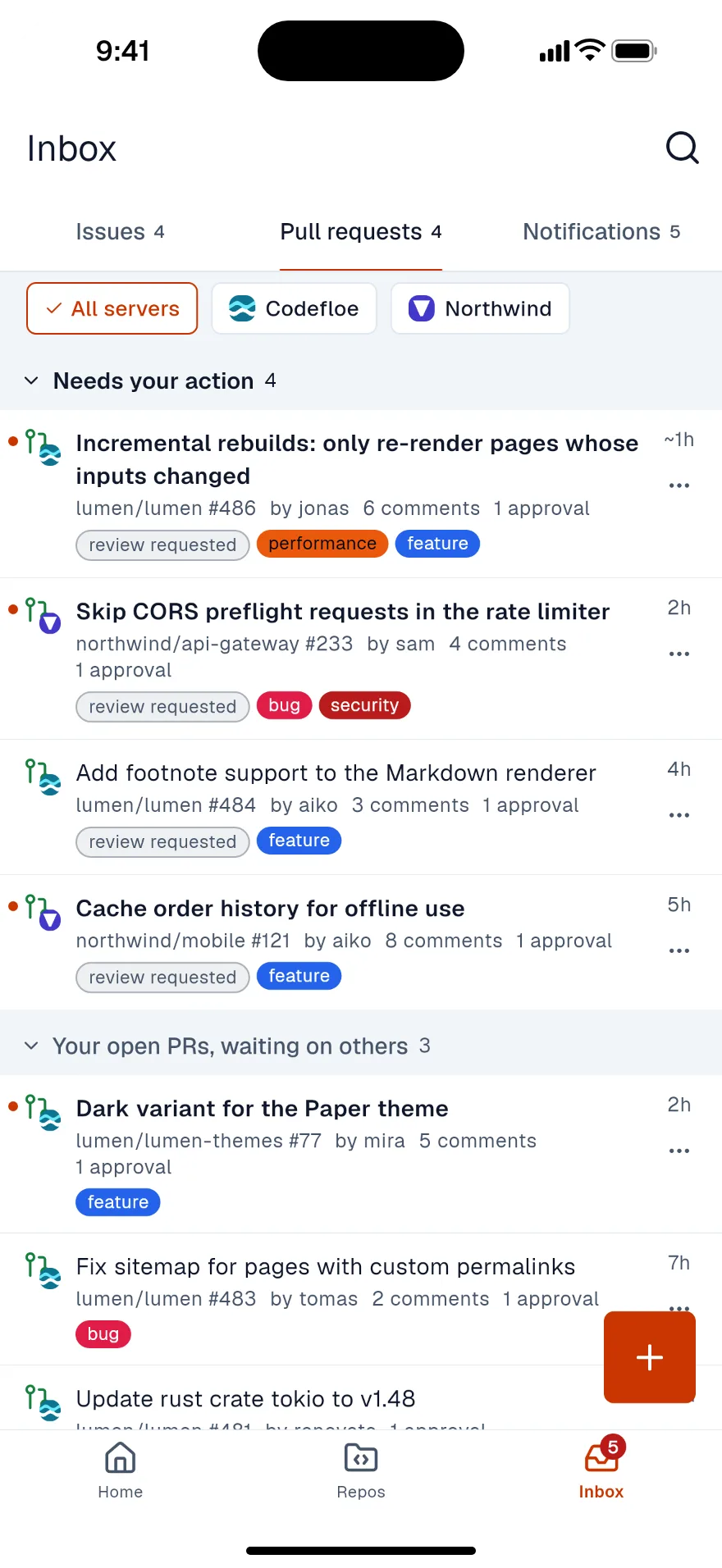
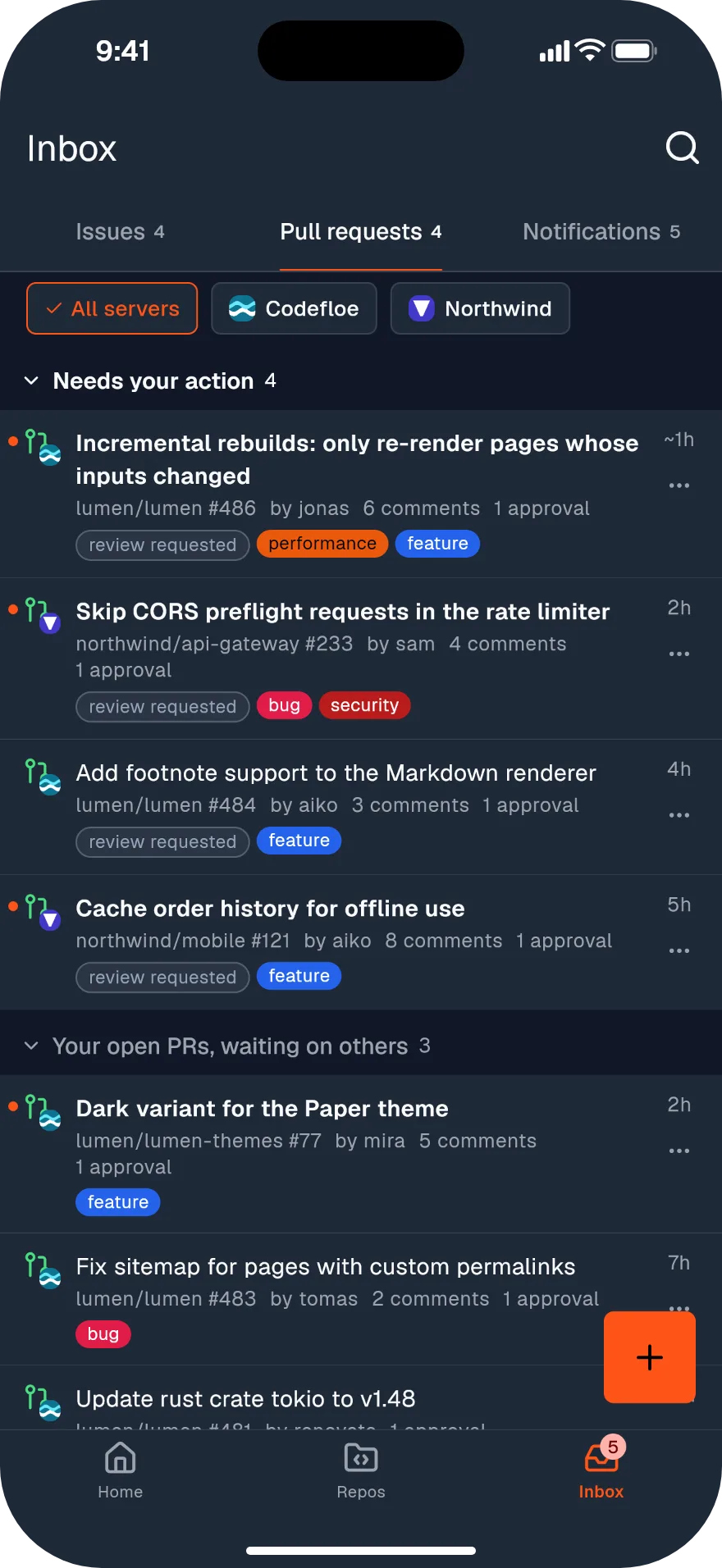
See what needs you first.
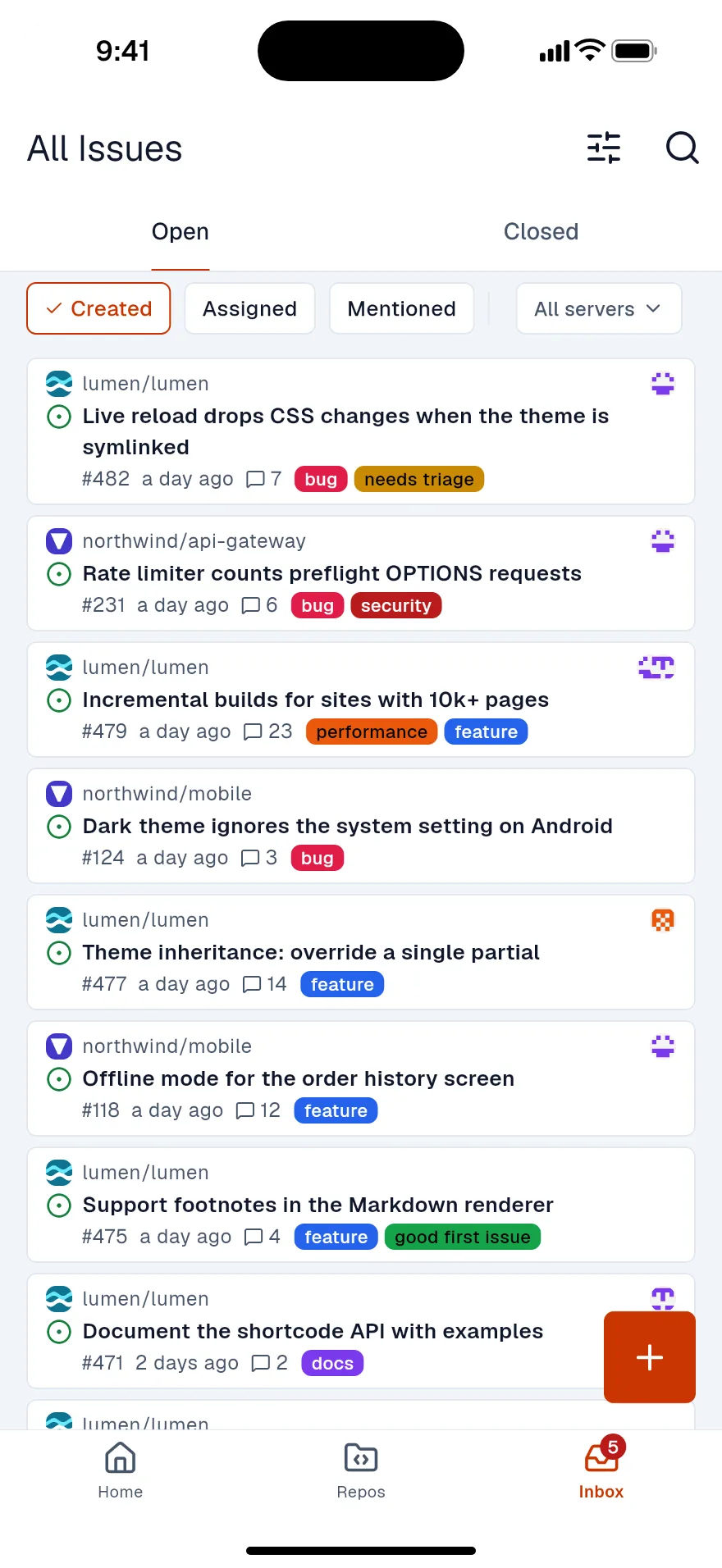
Issues, pull requests and notifications each get a tab, ranked so review requests and your pull requests with failing checks come before everything else.
Sections for Needs your action and Waiting on others
Readable offline from the last copy it fetched
Open a thread, pin it, or mark it read
Pro: every account in one Inbox
Pull requests
Review and merge from anywhere.
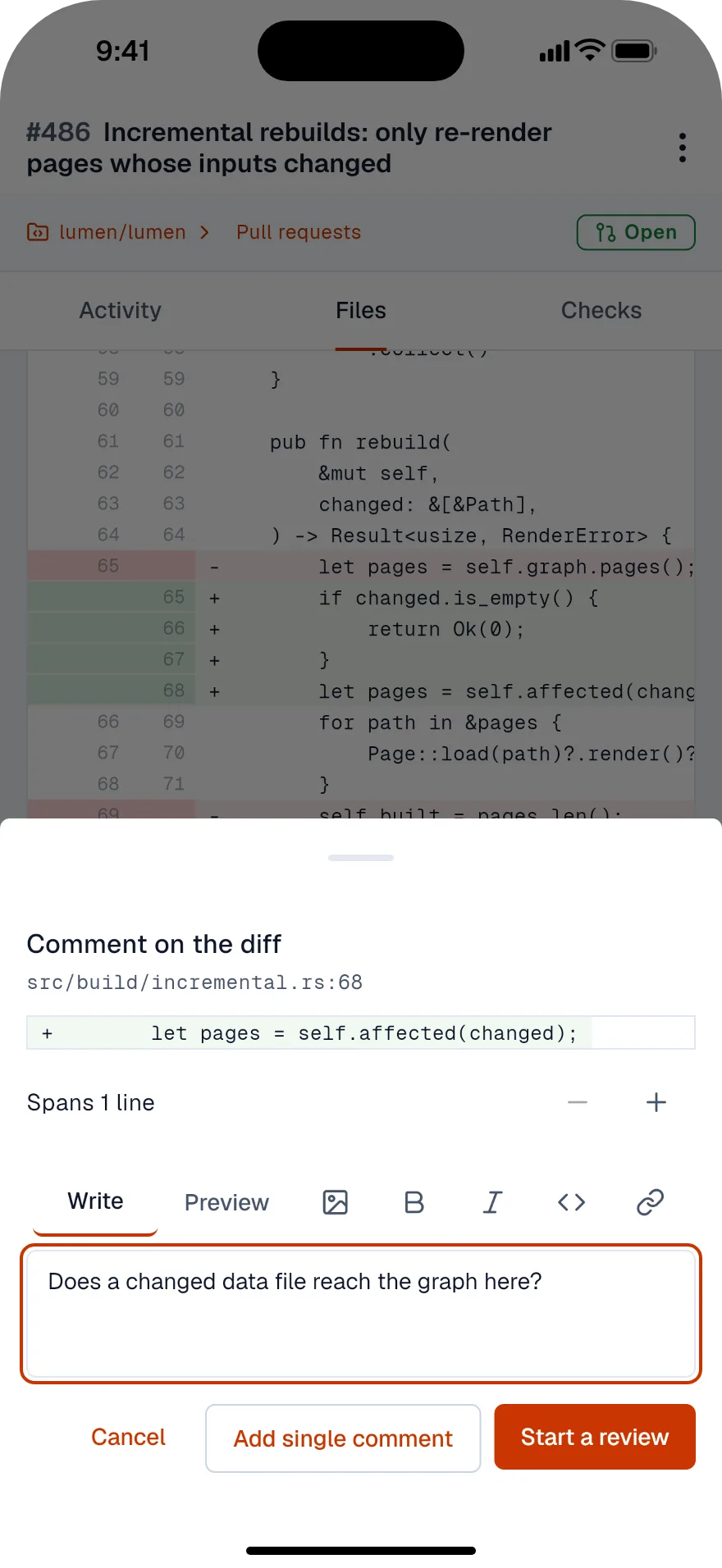
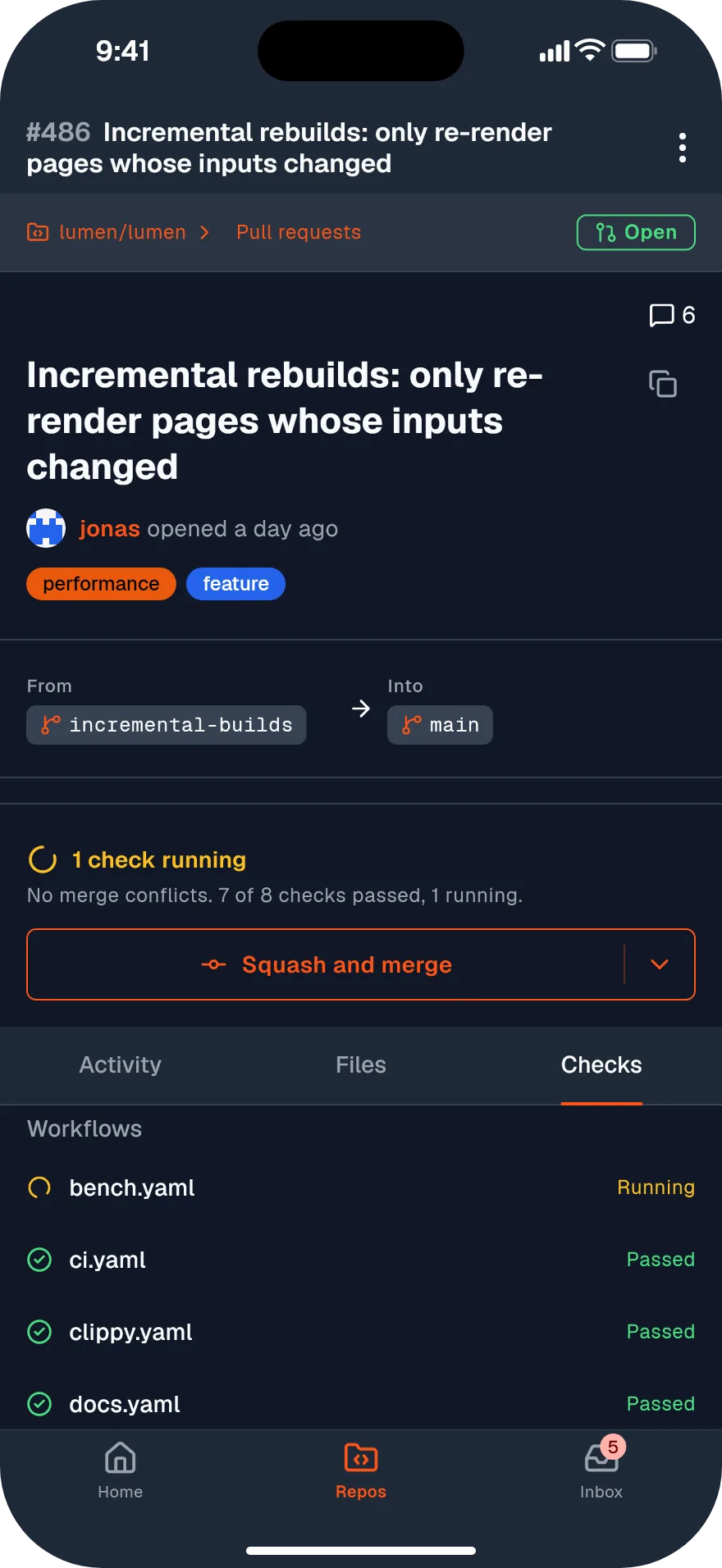
See who approved and which checks still run, comment on a line of the diff, and merge, or let the server merge once its requirements are met.
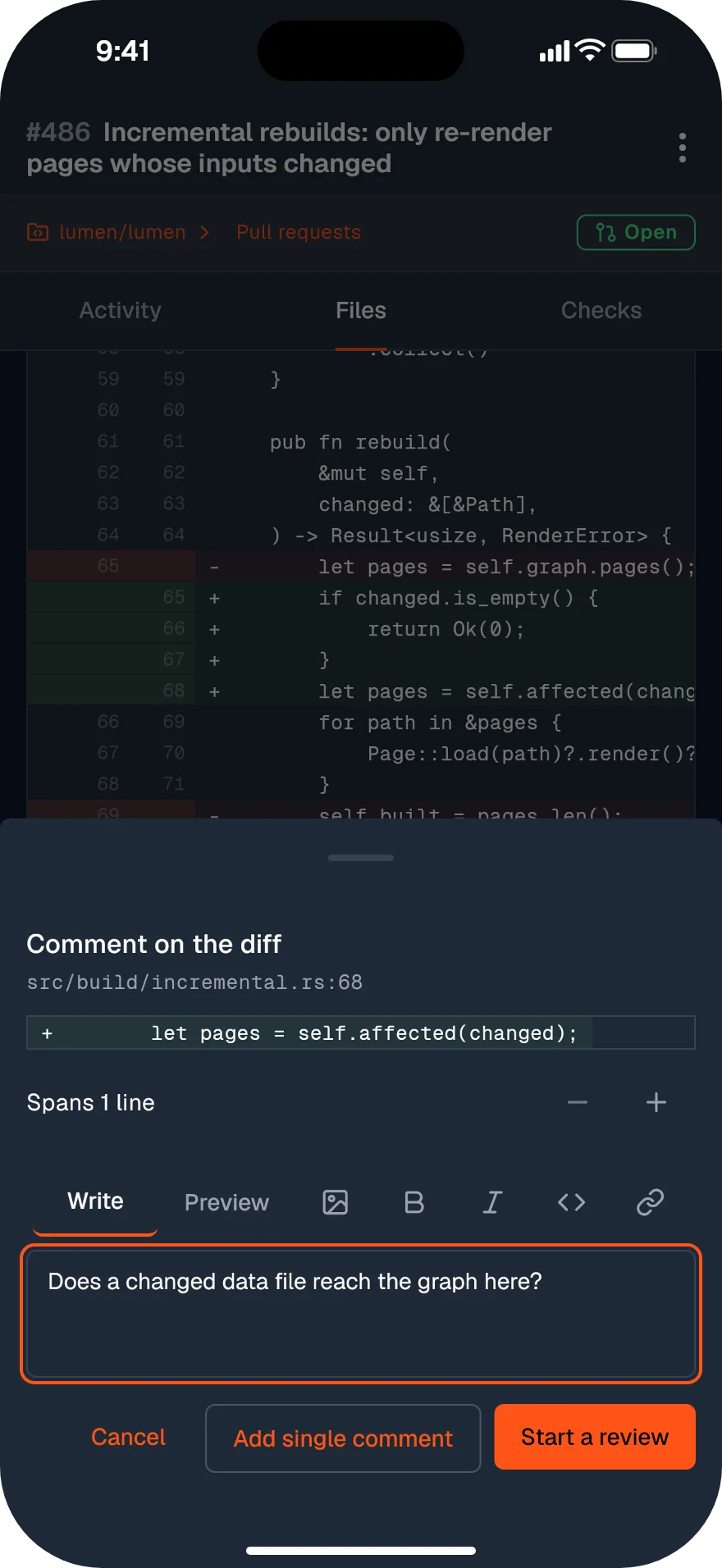
Line comments and pending reviews
Squash, rebase or merge, with auto-merge
Update a branch that fell behind its base
CI
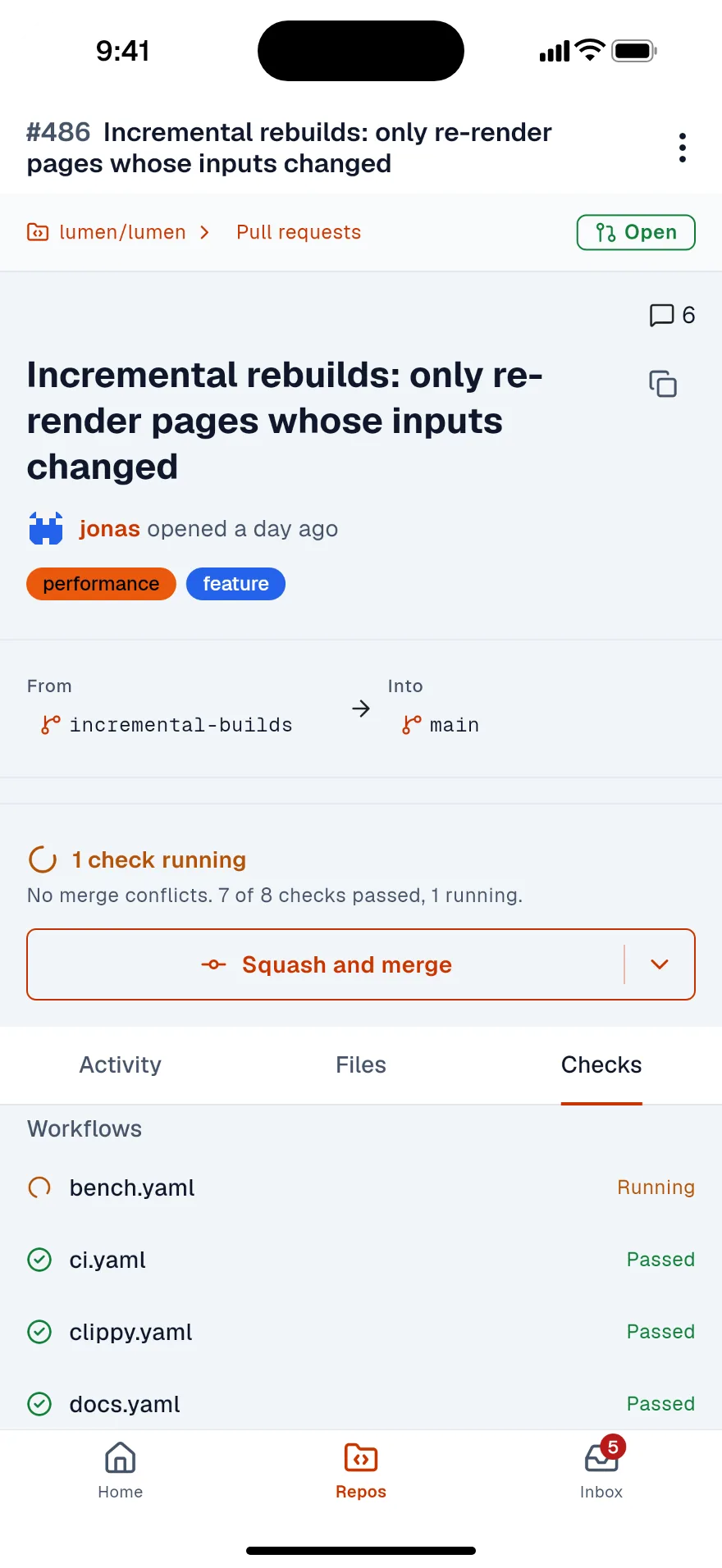
Watch the checks finish.
Forgejo Actions runs and commit statuses from external CI share one list on the pull request, so you can see what is still running without opening a browser.
Forgejo Actions jobs, with their logs
Commit statuses from external CI, linked to their pages
A Ready tag only when the merge requirements are met
iPad and wide windows
Open a thread beside its list.
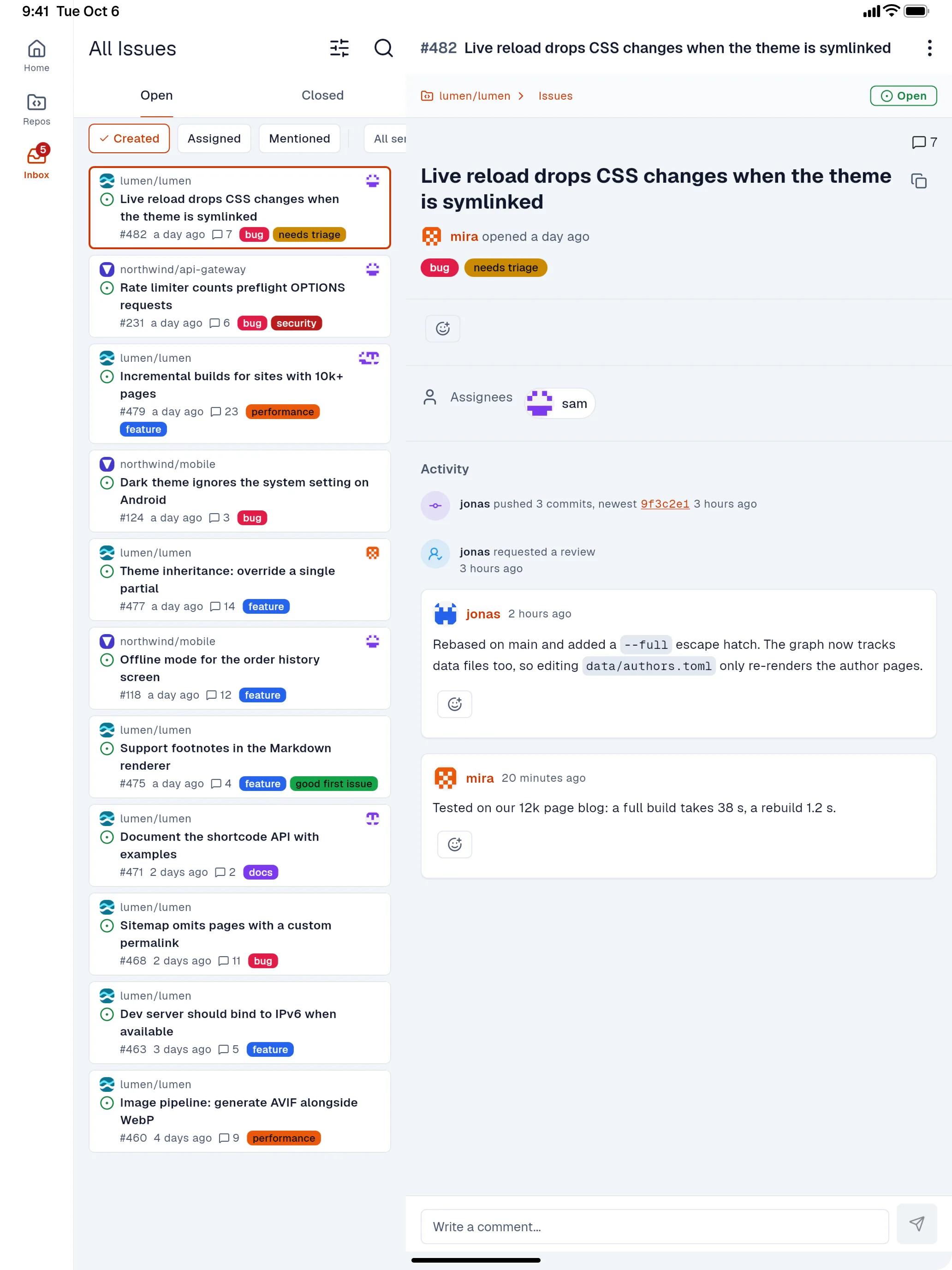
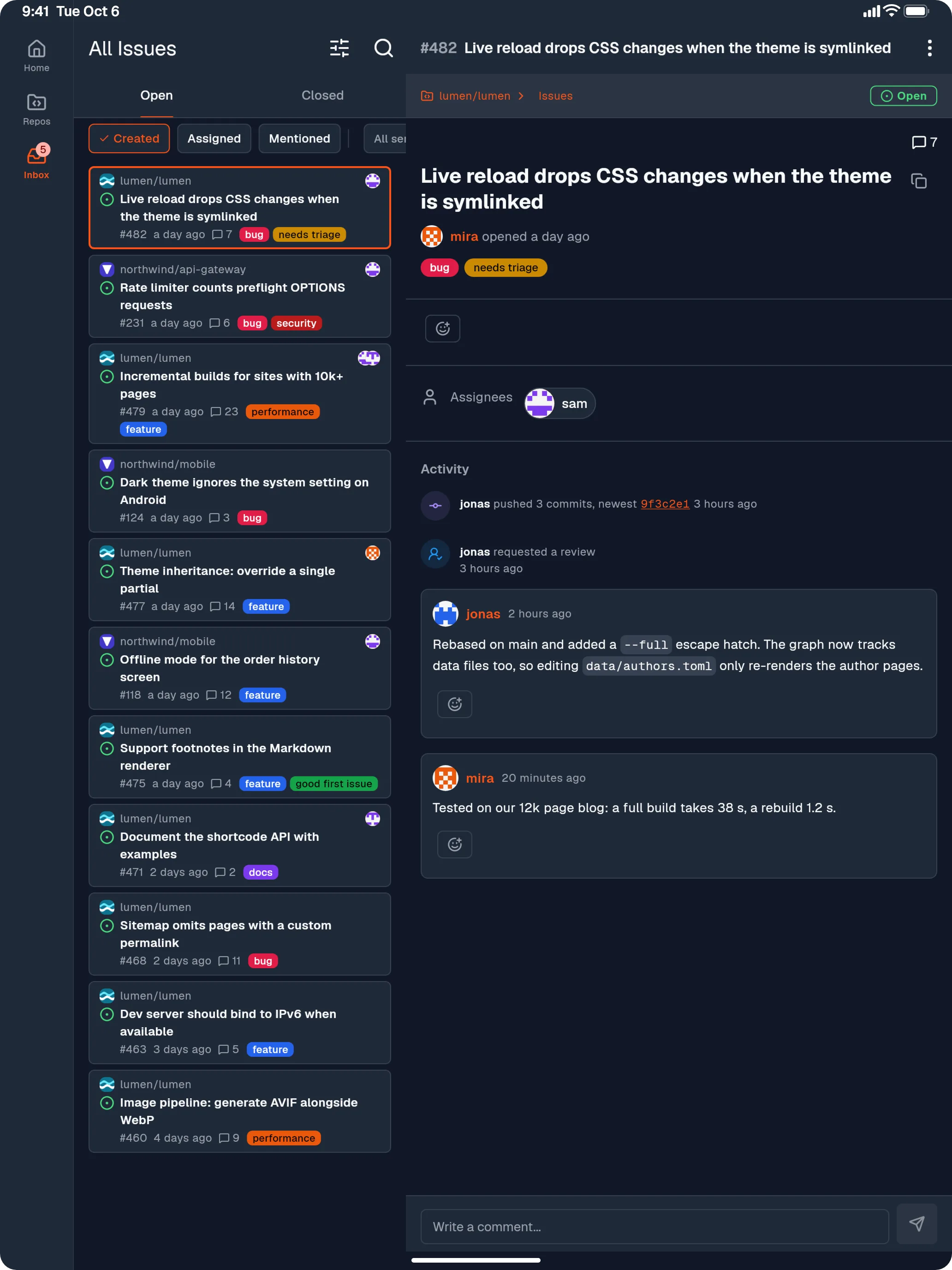
On an iPad or any window wide enough, the Inbox and the issue and pull request lists keep the thread you opened next to them, and a fold or a resize keeps your place and a half-written comment.
ForgeGo Pro
Every account in one view.
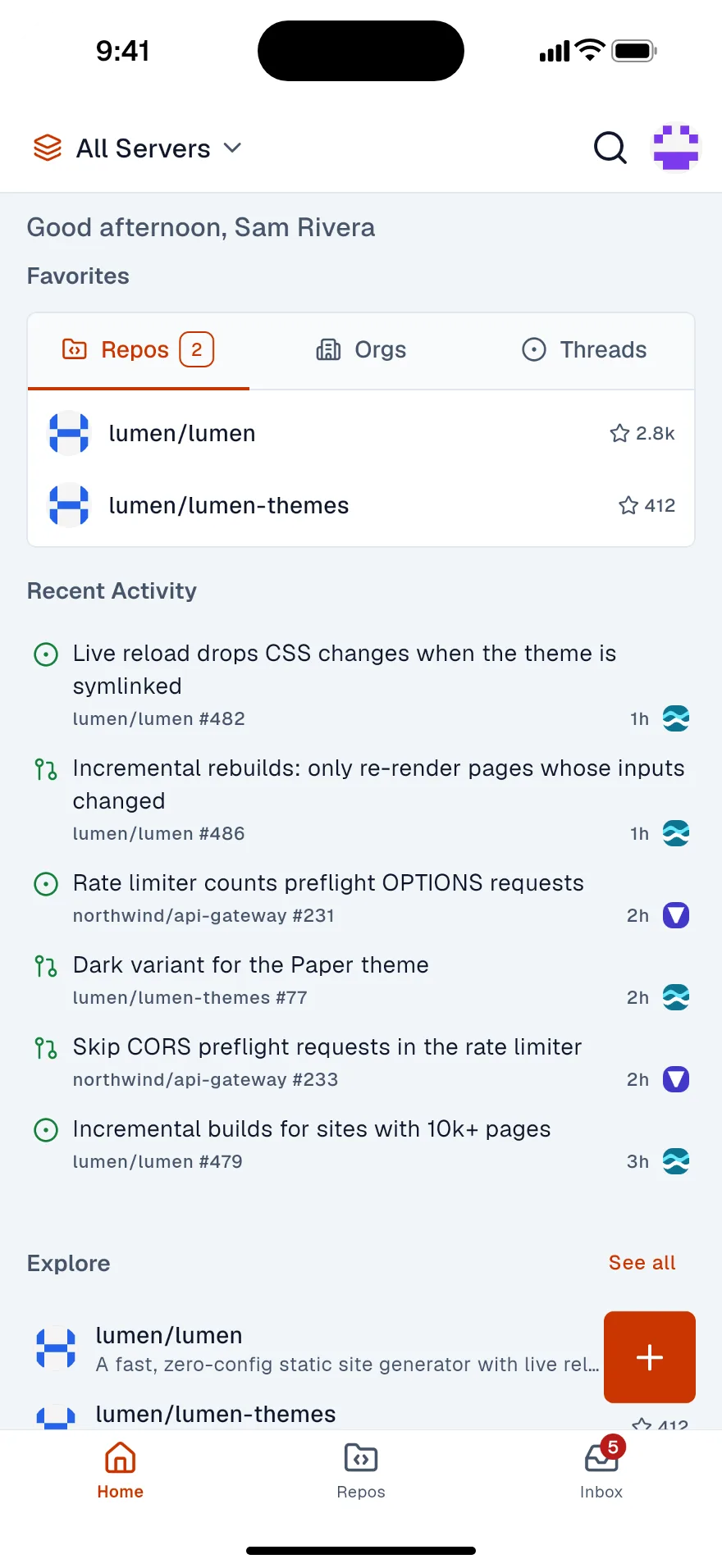
Sign in to work and personal accounts, even on the same server, and read them as one list with one unread badge.
One list of repositories, issues and pull requests
Switch accounts for free. See them together with Pro.
Every server and account works on the free plan, one at a time.
Free
No cost
Everything you need to work on a forge.
Repositories, files, branches and commits
Issues and pull requests: comment, review, merge
Forgejo Actions and commit-status checks
The Inbox for the account you are using
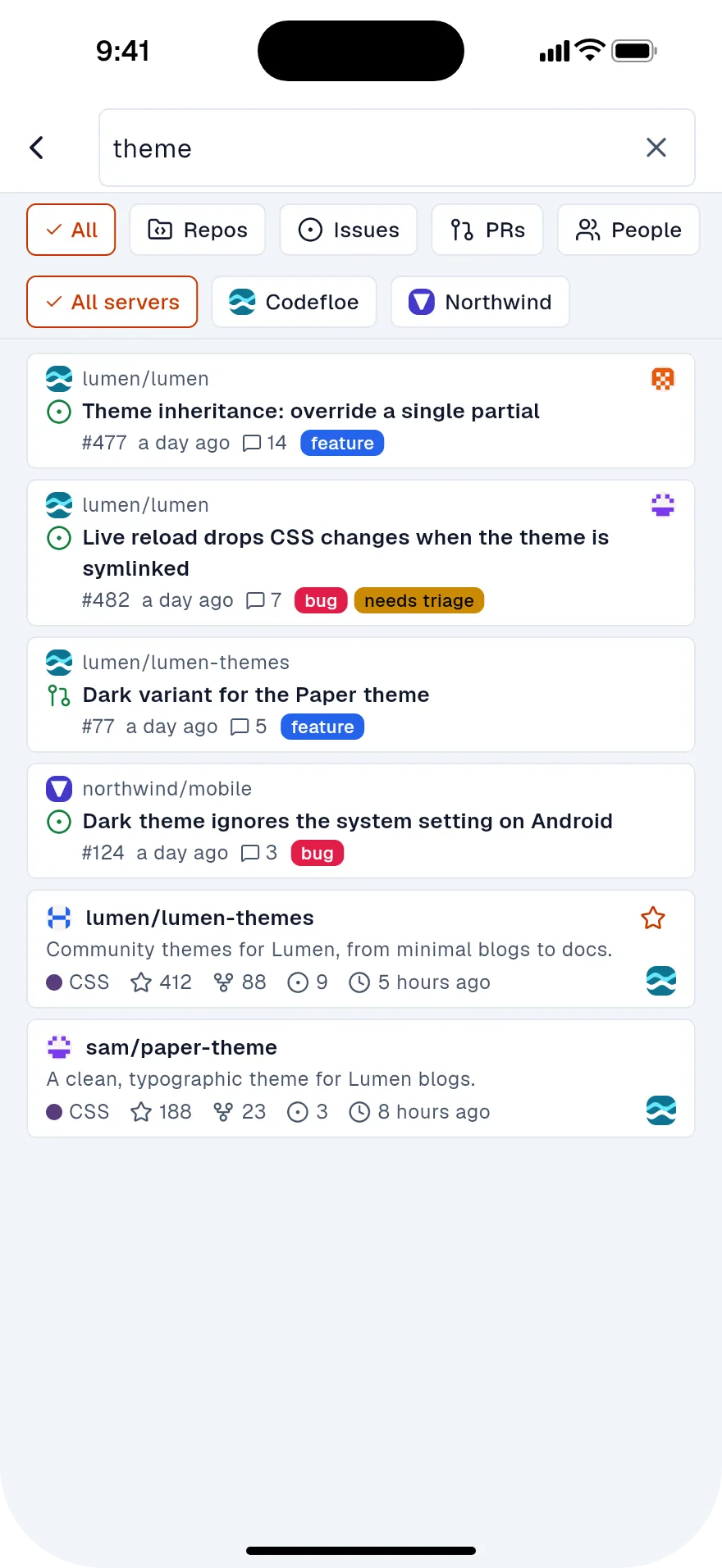
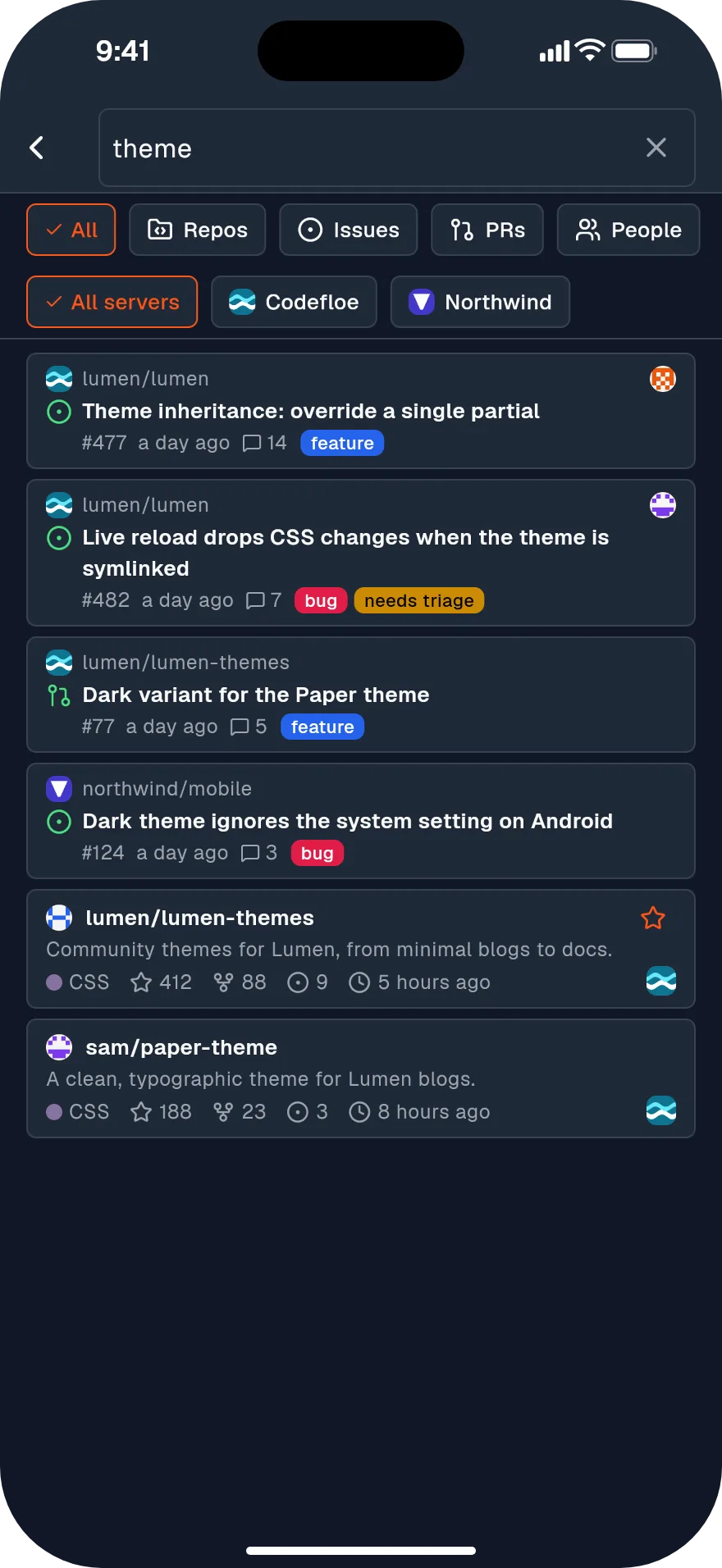
Search with an offline index
Any number of servers and accounts, one at a time
3 favorite repositories, organizations and threads per account
The last 5 searches
Pro
Monthly, yearly or lifetime
Upgrade in the app, under Settings.
Everything in Free, plus
Unified mode: every account in one list
Background and instant notifications
Unlimited favorites and search history
SSH terminals for your repositories
Send an issue or pull request to a t3code agent on your own server
Your store shows the plans it offers, the price for your country and any free trial before you pay.
What's new
Shipped every two weeks or so.
0.18.0
Everything that needs you now sits in one Inbox tab, and an encrypted backup moves your accounts to a new phone.
Restoring a backup on a new phone brings ForgeGo Pro back with your accounts.
Lists fit about eight issues or pull requests on a phone and stay put while servers load.
On iPhone Duo the app fills the unfolded display and keeps your place through a fold.
0.17.0
Send issues and pull requests to a t3code agent, and open notifications without the app stalling.
Pair t3code by QR code, even over a private network or tailnet, and reach projects on linked machines.
Merge past unmet checks as a repository admin.
See images in collapsed sections and upload pasted ones.
0.16.0
Review pull requests and browse releases.
Approve, request changes, comment on diff lines and request reviewers.
See the latest release first and open any release for notes and downloads.
Trust the “Ready” tag to wait for checks and reviews, and see a branch update at once.
Questions
Which servers does ForgeGo work with?
Forgejo 16 or newer, and Arbinel, the Forgejo fork that runs CodeFloe, in every release built on Forgejo 16 or newer. Self-hosted and public servers such as Codeberg both work, over HTTPS with a publicly trusted certificate; plain HTTP is accepted only for localhost, .local names and private addresses. Gitea is not supported.
Where does my access token go?
Your sign-in token stays in the keychain on iOS or the keystore on Android, and ForgeGo uses it only to talk to your server. If you turn on instant notifications for a server, a second token that can only read notifications goes to our push service; the privacy policy describes what it holds.
Do I need Pro for notifications?
The unread badge is free. Banners for new activity are part of Pro. Your phone checks your servers in the background, as often as the operating system allows. Instant notifications, which you turn on per account, arrive within about a minute for servers our push service can reach; a server on a private network stays on the background check.
How much does Pro cost?
Pro is a monthly or yearly subscription, with a one-time lifetime purchase where your store offers it. The App Store and Google Play set the price for your country and show it, with any free trial you can start, before you pay.
Can I sign in to two accounts on the same server?
Yes, on the free plan too, and you switch between them. Pro adds unified mode, which shows every account in one list and lets you pick the account a comment is posted as.
What happens when I move to a new phone?
Export an encrypted backup in Settings and restore it on the new phone. It carries your accounts and settings. Pro comes back when the new phone uses the same App Store or Google Play account; if it does not appear, tap Restore purchases.
Take your forge with you.
Free on the App Store and Google Play, for the servers you already use, from Codeberg and CodeFloe to your own.